 Travis Horn
Switching to uv for Python Management
For years, I relied on the official installer from python.org to manage my Python versions. Recently, however, I uninstalled everything to start fresh with uv. Here is how (and why) I made the switch.
Installation
Getting started is simple.
On macOS and Linux:
curl -LsSf https://astral.sh/uv/install.sh | shOn Windows:
powershell -ExecutionPolicy ByPass -c "irm https://astral.sh/uv/install.ps1 | iex"Keeping uv Updated
To ensure you have access to the latest Python releases, you must keep uv
itself updated. The list of installable Python versions depends directly on the
version of the tool you are running.
uv self updateInstalling Python
You can view a list of all available Python builds via the terminal:
uv python listHowever, the output can be overwhelming, making it difficult to spot the latest release at a glance. It is often easier to visit python.org to verify the current version number.
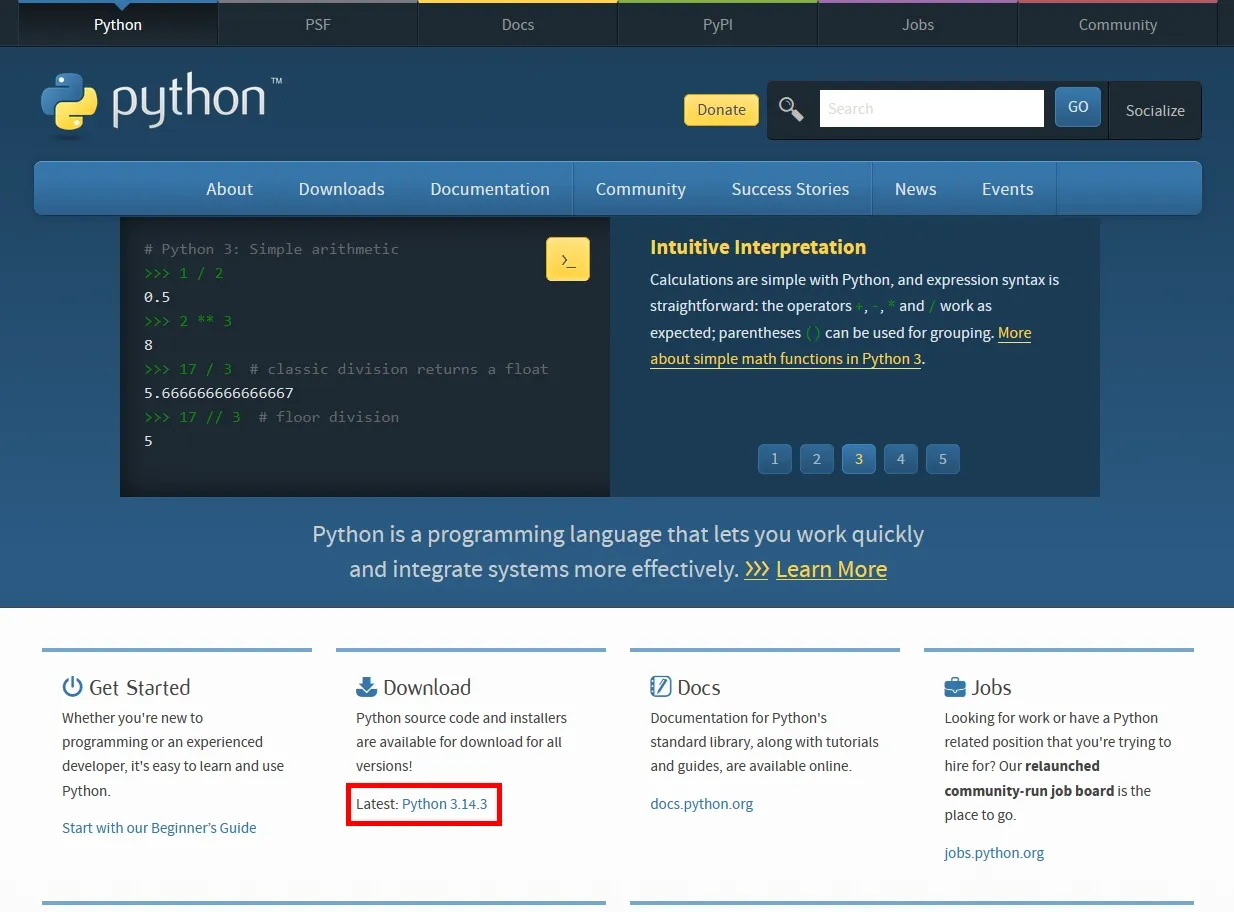
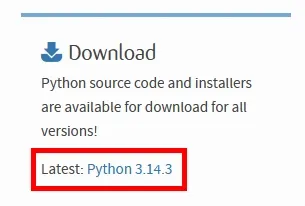
Once you have the version number, you can install it. I prefer using the
default flag, which adds the installed version to your PATH, allowing you to
execute python globally.
uv python install --default --preview-features python-install-default 3.14.3Note: Replace 3.14.3 with your desired version.
Usage
The biggest shift in workflow is mental: forget about using python or pip
directly. From now on, uv handles the heavy lifting.
Initialize a project:
uv initInstall packages (replaces pip install):
uv add numpyRun a script:
uv run main.pyWhy I Made the Switch
I moved away from the official installers for three main reasons:
- I often need different Python versions for different projects, which the standard installer handles poorly.
- I used to accidentally install packages to my global workspace. While I knew
how to use
python -m venv, I would occasionally forget to activate the environment before runningpip install. uvstreamlines package management. It removes the need to manually activate virtual environments or freeze requirements files. It manages dependencies automatically with fewer commands.
Photo by Juliana Tanchak on Unsplash.